 The Marketer
If you’ve ever Googled “best website hosting,” you already know how overwhelming the results can be. Every hosting company promises blazing-fast speeds, perfect uptime, and unbeatable support. But after years of building, migrating, breaking, fixing, and scaling websites, one thing becomes clear very quickly: there is no single “best” hosting provider for everyone.
The best website hosting depends on what you’re building, how fast you expect it to grow, and how much technical complexity you’re willing to manage. A personal blog, a content-heavy media site, a Shopify alternative, and a SaaS landing page all have very different hosting needs.
This guide cuts through the marketing noise. It’s written from a real-world perspective—what actually works, what’s reliable long-term, and which hosting platforms consistently deliver when traffic, expectations, and revenue are on the line.
What “Best Website Hosting” Really Means Today
In 2026, website hosting is no longer just about putting files on a server. A good host now plays a direct role in SEO performance, user experience, conversion rates, and even brand trust.
The best hosting websites share a few core qualities. They offer consistently fast load times across regions, reliable uptime, strong security by default, and support teams that don’t disappear when something breaks at 2 a.m. They also make scaling easier—because if your site grows, your hosting should grow with it, not hold it back.
Just as importantly, the best hosts reduce friction. They save you time. They don’t force you to constantly troubleshoot server issues. They let you focus on content, products, or growth instead of infrastructure.
SiteGround — Best Overall Hosting for Most Websites

If you want a hosting provider that simply works, SiteGround remains one of the safest long-term choices. It’s not the cheapest host on the market, but it’s one of the most reliable—especially for WordPress sites, content publishers, and small businesses.
What stands out is consistency. SiteGround sites load fast thanks to Google Cloud infrastructure, built-in caching, and global CDN support. Uptime is excellent, and when something does go wrong, their support team is genuinely helpful rather than scripted.
For editors, bloggers, niche site builders, and service-based businesses, SiteGround offers a rare balance of performance, usability, and peace of mind.
Hostinger — Best Budget Hosting That Doesn’t Feel Cheap
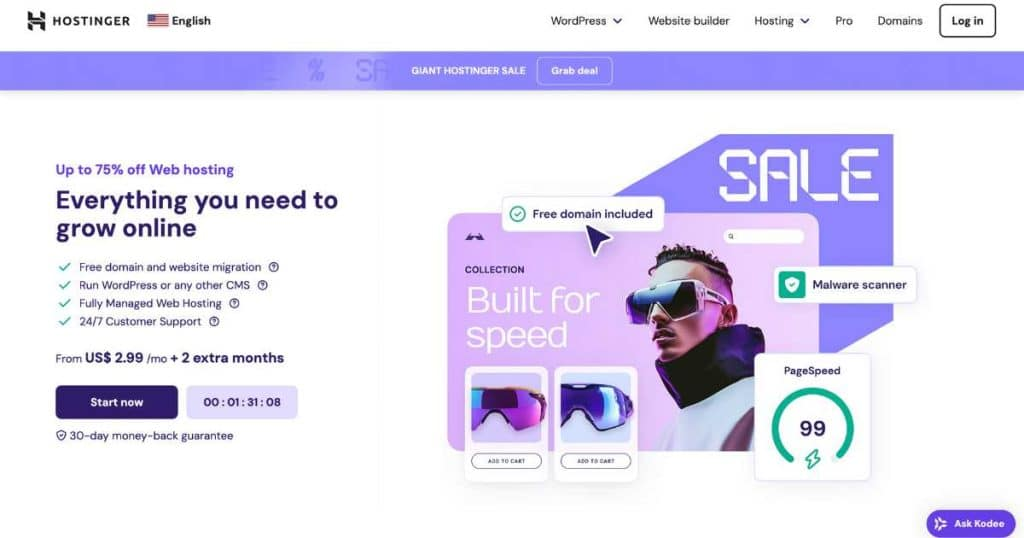
Hostinger is proof that affordable hosting doesn’t have to mean slow or unreliable. Over the years, it has quietly become one of the strongest low-cost hosting platforms available.
Its custom control panel is clean and modern, speeds are surprisingly good for the price, and it handles small-to-medium traffic sites very well. This makes Hostinger ideal for creators launching multiple sites, early-stage startups, or anyone testing ideas without wanting to overspend.
If you’re cost-conscious but still care about performance and usability, Hostinger punches far above its price point.
Bluehost — Best for First-Time Website Owners
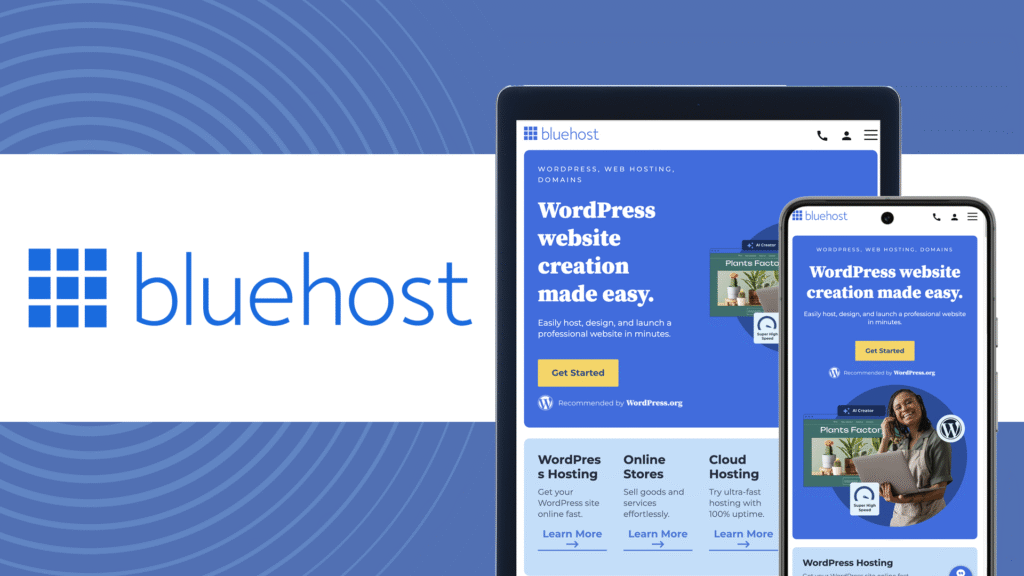
Bluehost remains popular for one simple reason: it’s beginner-friendly. If you’ve never set up hosting before, Bluehost makes the process feel unintimidating.
It offers straightforward WordPress setup, a familiar interface, and bundled basics like a free domain and SSL. Performance is acceptable for smaller sites, though it’s not the fastest option on this list.
Bluehost works best for first-time bloggers, personal sites, and simple business websites that don’t yet require advanced performance or scalability.
Cloudways — Best Flexible Cloud Hosting Without the Headache

Cloud hosting used to be intimidating. Cloudways changed that by offering managed cloud servers with a user-friendly dashboard.
Instead of locking you into one infrastructure, Cloudways lets you choose between providers like DigitalOcean, Google Cloud, or AWS—while handling server management, security, backups, and scaling for you.
This is an excellent option for growing sites, agencies, or publishers who want more control and performance without dealing with raw server administration.
WP Engine — Best Premium Hosting for Serious WordPress Sites

WP Engine is built for WordPress, and it shows. Everything—from caching to security to staging environments—is optimized for performance.
This isn’t entry-level hosting. It’s designed for businesses, high-traffic blogs, and revenue-generating websites that cannot afford downtime or slow speeds.
While pricing is higher, WP Engine earns its reputation by delivering stability, speed, and excellent developer tools. If WordPress is central to your business, this host is worth serious consideration.
Kinsta — Best Enterprise-Grade WordPress Hosting
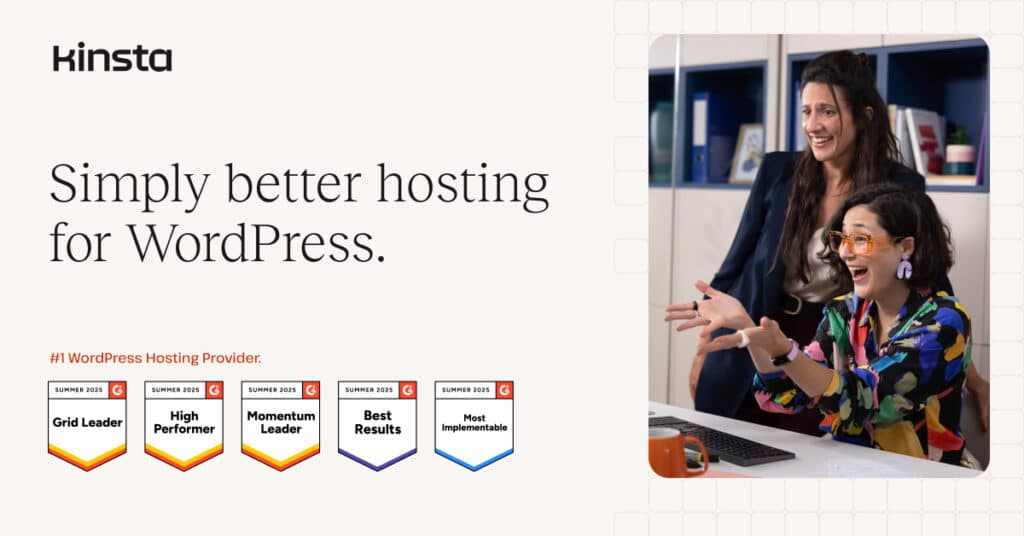
Kinsta sits at the high end of the hosting spectrum. It’s built entirely on Google Cloud’s premium infrastructure and focuses on performance, security, and reliability.
This is the kind of hosting used by SaaS companies, agencies, and media platforms where downtime directly affects revenue. The dashboard is polished, support is highly technical, and performance is consistently excellent.
For mission-critical WordPress sites, Kinsta is one of the strongest hosting platforms available.
DreamHost — Best for Long-Term Stability and Privacy
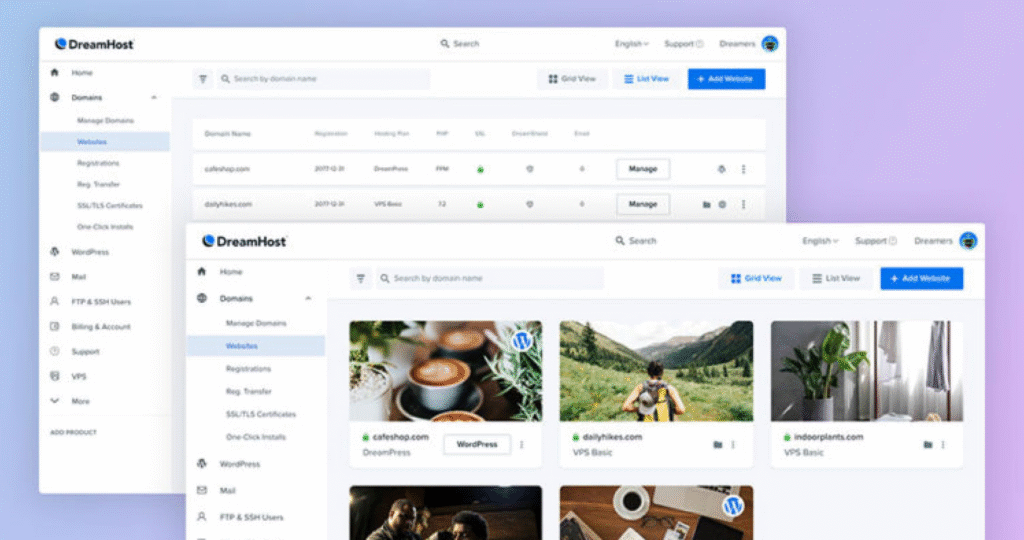
DreamHost has been around for decades, and its strength lies in transparency and long-term reliability. It offers generous storage, strong privacy policies, and straightforward pricing without aggressive upsells.
It’s particularly appealing for bloggers and site owners who value predictability and don’t want constant renewal price shocks. While its interface feels less modern than some competitors, it remains a solid, dependable choice.
How to Choose the Best Hosting Website for Your Needs
Instead of asking “Which host is the best?”, ask a better question: What kind of website am I building?
If you’re running a content-heavy blog or niche site, performance and uptime matter most. If you’re launching multiple small projects, affordability and ease of setup matter more. If your site generates revenue, reliability and scalability become non-negotiable.
Also consider your tolerance for technical work. Some hosts give you more power but expect more knowledge. Others trade flexibility for simplicity. Neither is wrong—it just depends on what you want to manage.
How Hosting Directly Impacts SEO and Revenue
Hosting quality has a real impact on rankings and conversions. Faster sites rank better. Stable uptime improves crawlability. Secure hosting protects trust. Poor hosting quietly erodes growth.
A cheap host that struggles under traffic spikes can cost far more in lost revenue and SEO setbacks than a slightly more expensive, reliable provider.
Think of hosting as infrastructure, not a commodity.
Final Verdict: The Best Hosting Websites in 2026
If you want the safest all-around choice, SiteGround remains one of the strongest options.
If budget matters, Hostinger delivers outstanding value.
If WordPress is central to your business, WP Engine or Kinsta are hard to beat.
If flexibility and growth matter, Cloudways offers unmatched control without complexity.
The best hosting website is the one that supports your goals quietly, reliably, and without friction—letting your website grow instead of holding it back.
<style>
.faq-accordion {
  max-width: 900px;
  margin: 2rem auto;
  font-family: system-ui, -apple-system, BlinkMacSystemFont, "Segoe UI", sans-serif;
}

.faq-item {
  border-bottom: 1px solid #e5e7eb;
}

.faq-question {
  background: none;
  border: none;
  width: 100%;
  text-align: left;
  padding: 1rem 0;
  font-size: 1rem;
  font-weight: 600;
  cursor: pointer;
  display: flex;
  justify-content: space-between;
  align-items: center;
}

.faq-question span {
  font-size: 1.2rem;
  transition: transform 0.2s ease;
}

.faq-answer {
  max-height: 0;
  overflow: hidden;
  transition: max-height 0.3s ease;
  font-size: 0.95rem;
  color: #4b5563;
}

.faq-answer p {
  padding-bottom: 1rem;
  margin: 0;
}

.faq-item.active .faq-answer {
  max-height: 300px;
}

.faq-item.active .faq-question span {
  transform: rotate(45deg);
}
</style>

<div class="faq-accordion">
  <div class="faq-item">
    <button class="faq-question">
      What is the best website hosting for beginners?
      <span>+</span>
    </button>
    <div class="faq-answer">
      <p>For beginners, hosting platforms like Bluehost and Hostinger are popular because they offer simple setup, clear dashboards, and guided WordPress installation.</p>
    </div>
  </div>

  <div class="faq-item">
    <button class="faq-question">
      Does hosting affect SEO?
      <span>+</span>
    </button>
    <div class="faq-answer">
      <p>Yes. Hosting impacts page speed, uptime, security, and server response time—all of which influence search rankings and user experience.</p>
    </div>
  </div>

  <div class="faq-item">
    <button class="faq-question">
      Is cheap hosting bad?
      <span>+</span>
    </button>
    <div class="faq-answer">
      <p>Not always. Budget hosts like Hostinger perform well for smaller sites, but extremely cheap hosting may struggle with speed, support, and scalability.</p>
    </div>
  </div>

  <div class="faq-item">
    <button class="faq-question">
      What’s the difference between shared and managed WordPress hosting?
      <span>+</span>
    </button>
    <div class="faq-answer">
      <p>Shared hosting places many sites on one server. Managed WordPress hosting offers optimized performance, security, and updates specifically for WordPress sites.</p>
    </div>
  </div>

  <div class="faq-item">
    <button class="faq-question">
      When should I upgrade my hosting?
      <span>+</span>
    </button>
    <div class="faq-answer">
      <p>If your site becomes slow, experiences traffic spikes, or starts generating consistent revenue, it’s usually time to upgrade to better hosting.</p>
    </div>
  </div>
</div>

<script>
document.querySelectorAll('.faq-question').forEach(button => {
  button.addEventListener('click', () => {
    const item = button.parentElement;
    item.classList.toggle('active');
  });
});
</script>
